Settings & Customization
Tailor Violin Vista to your personal learning style and instrument setup.
Notation Systems
You can choose your preferred way of reading notes:
- Alphabetical: A, B, C
- Syllabic: Do, Re, Mi
- Numerical: 1, 2, 3 (Degree-based)
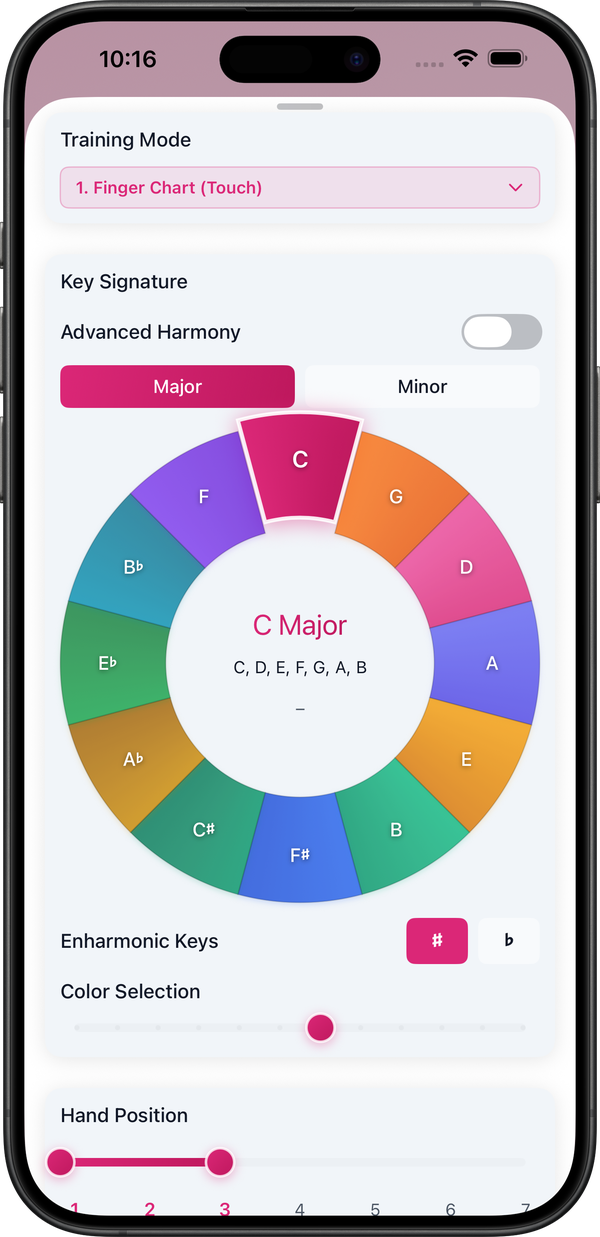
Advanced Harmony (New in v2.1)
Unlock deeper theory understanding with these advanced features:
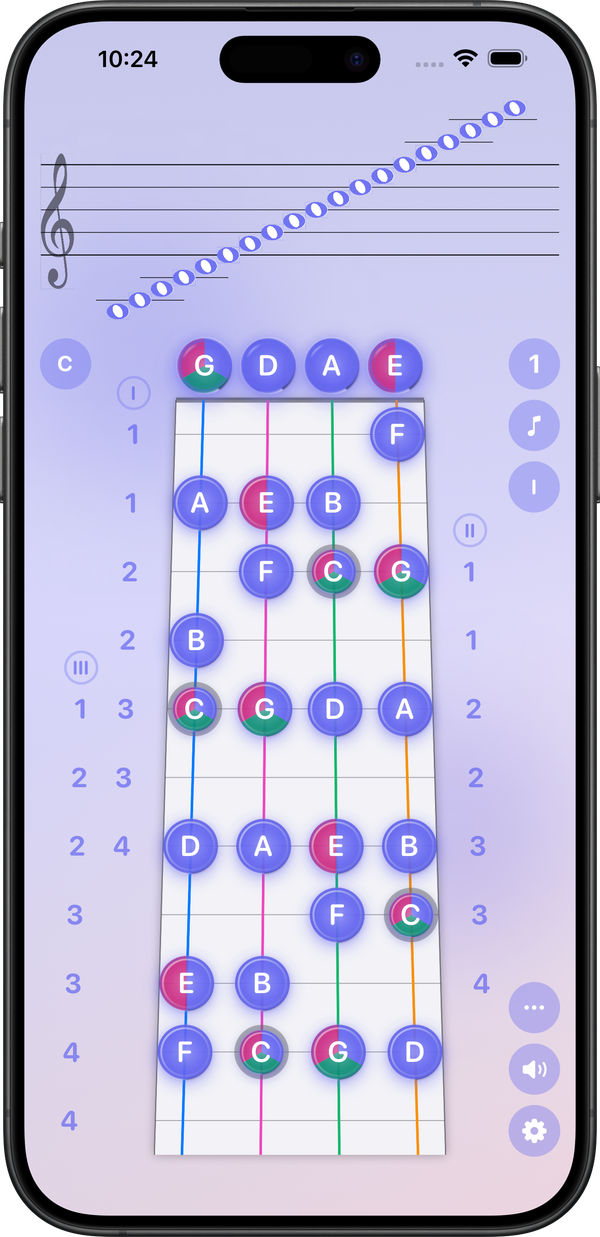
- Color-split Display: Visualize arpeggios and intervals with distinct color coding on the fingerboard.
- Smart Interval Display: Toggle between standard numeric (1, b2) and quality-based (R, m2) interval names.
Audio Settings
Tuning Frequency
Adjust the A4 reference pitch to match your ensemble or orchestra. Supported range: 440Hz – 445Hz.
Microphone Sensitivity
Optimize detection for different violins and acoustic environments. If you are in a noisy room, try adjusting the sensitivity level (1-10) to filter out background noise or increase pickup for quiet playing.