Learning Modes
Violin Vista features 5 powerful learning modes to cover every aspect of your practice.
1. Finger Chart Mode
Best for: Memorization and Reference
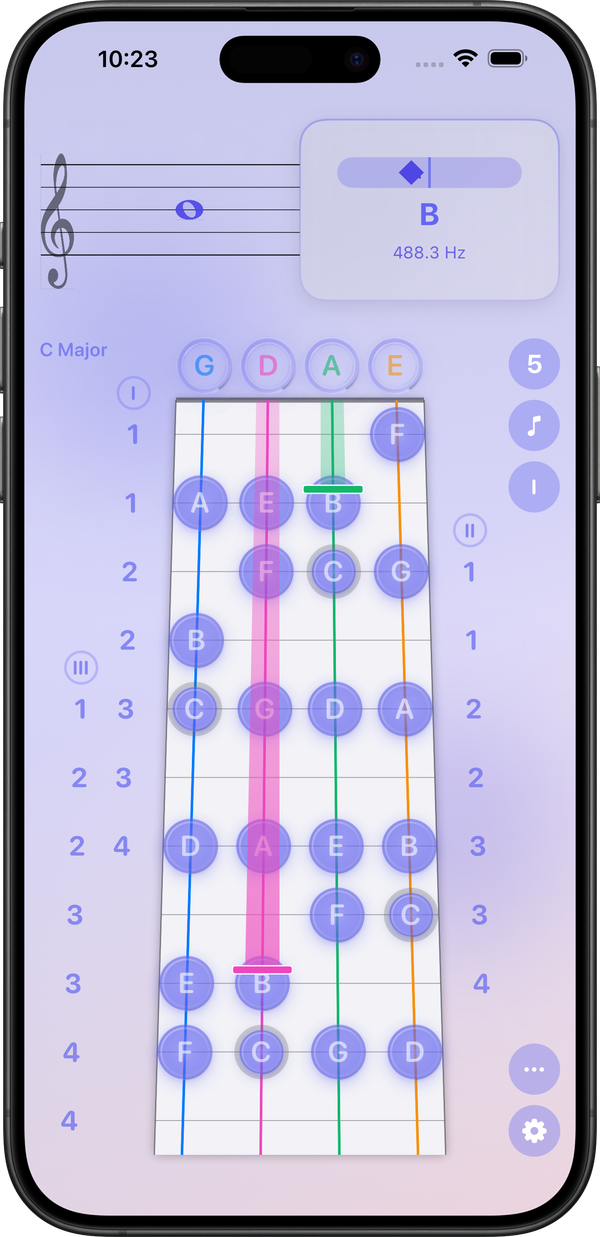
This visual mode helps you learn finger placements across all positions without needing an instrument suitable for silent study.
- Learn finger placements across all positions.
- Understand interval relationships.
- Display multiple hand positions simultaneously.
2. Sight Reading Mode
Best for: Reading Fluency
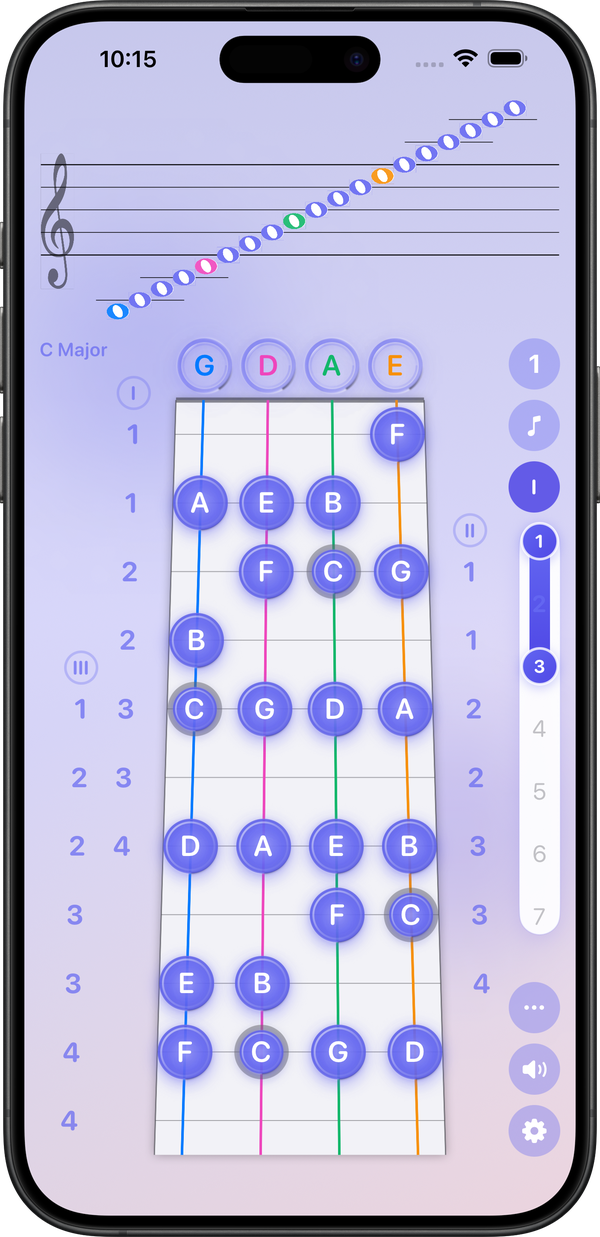
Boost your reading speed with interactive notation exercises. Perfect for improving note recognition speed and connecting notation to fingerboard placement.
- Multiple notation systems support.
- Progressive difficulty levels.
3. Intonation / Tuner Mode
Requires: Physical Violin
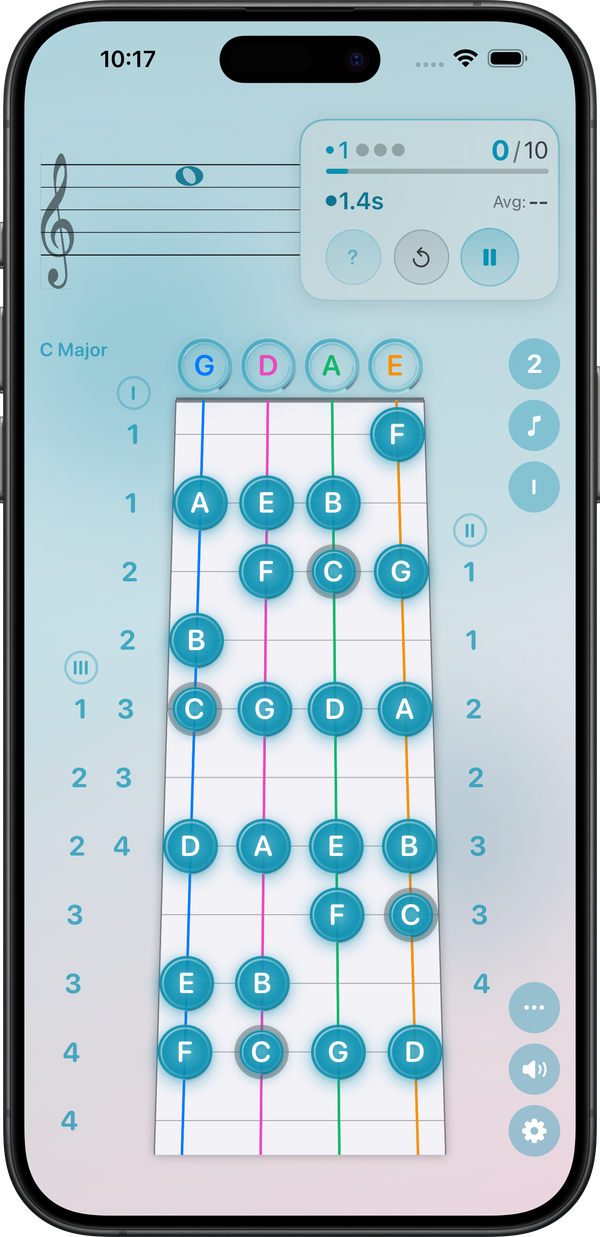
This mode uses the microphone to detect pitch in real time, showing tuning accuracy and assisting with pitch correction.
- Ideal for tone control and ear training.
- Great for daily warm-ups.
4. Examination Mode
Best for: Performance Evaluation
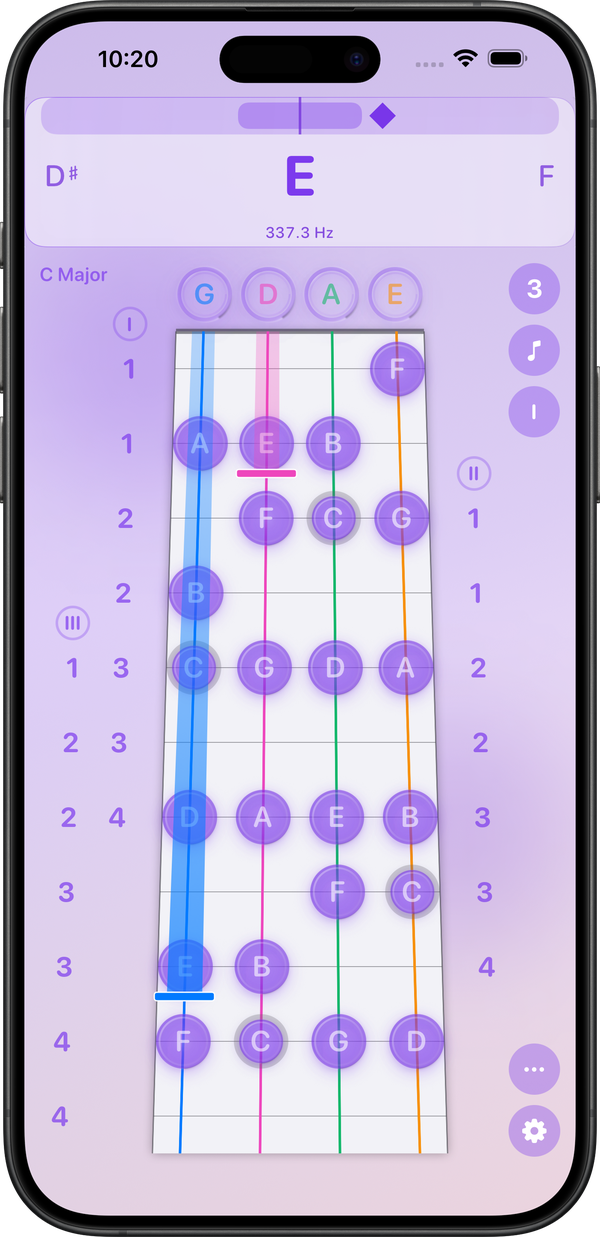
Verify your skills with structured exercises and accuracy-based feedback.
- Test your readiness.
- Track improvement over time.
- Simulate assessment scenarios.
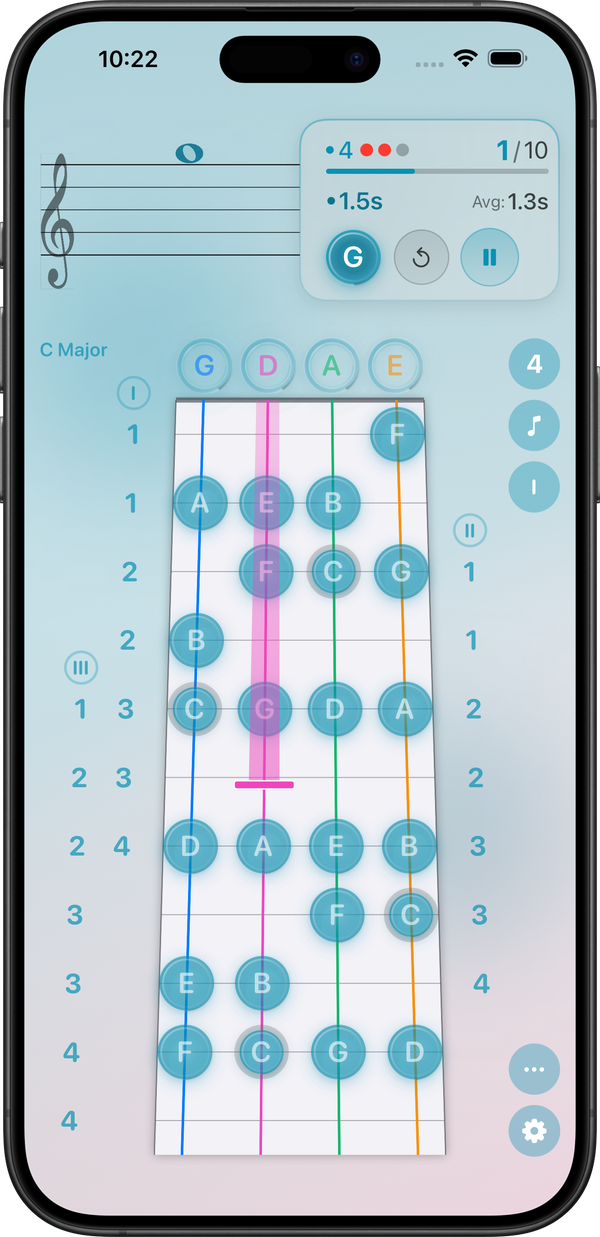
5. Staff Pitching
Requires: Physical Violin
Connects staff notation to real-time pitch detection. This mode helps players "see" the note and "hear" their accuracy, bridging visual learning with auditory feedback.